
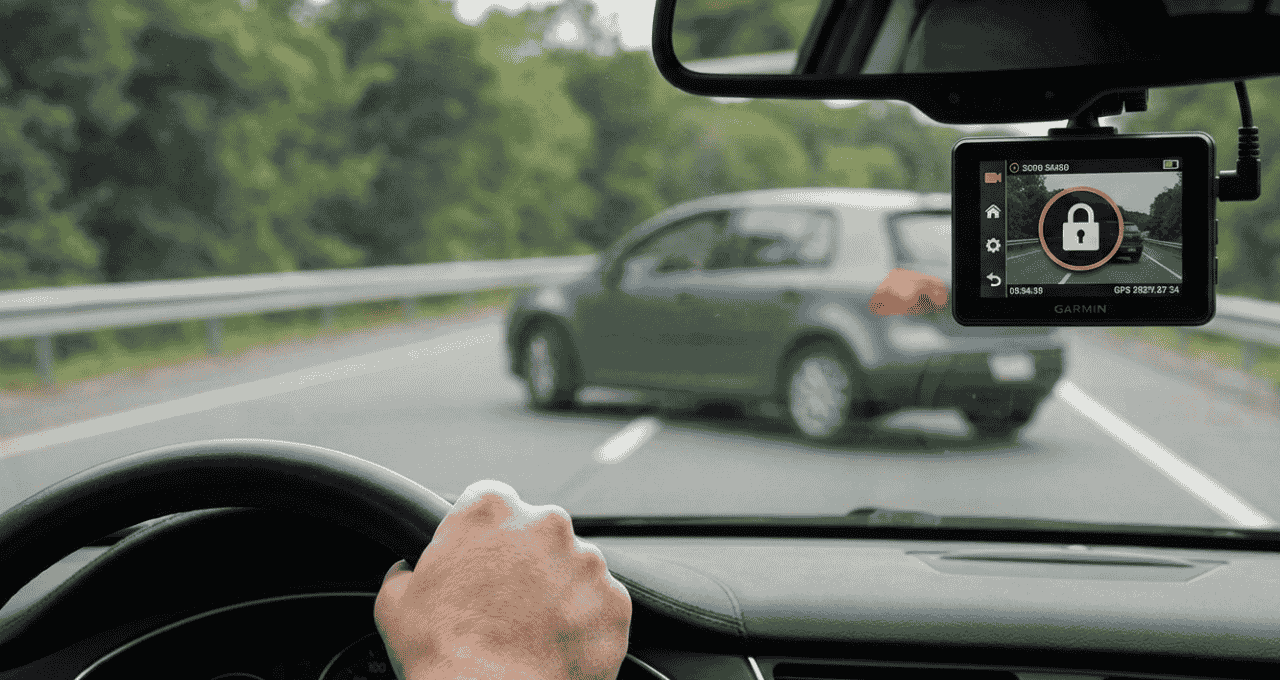
The first time my Garmin saved a clip during a close call, I felt real relief. It was like a quiet co-pilot that never blinks. That moment pushed me to learn how loop recording works on Garmin dash cams, because this feature decides what stays and what goes. In this guide, I’ll break it down in plain words, share what I’ve seen on the road, and help you trust your dash cam every time you drive.
What Is Loop Recording on Garmin Dash Cams?
Loop recording is how a dash cam records all the time without running out of space. Your Garmin dash cam records video, saves it, and then keeps going. When the card fills up, it replaces old clips with new ones. Nothing stops unless you tell it to.
What makes Garmin different is how calm and smart it feels. Many cheap dash cams just record and delete with no care. Garmin’s dash cam recording mode knows which clips matter and which don’t. It feels less like a machine and more like a helpful assistant.
This matters every day. For work drives, road trips, or ride-share shifts, you want steady proof. A continuous recording dash cam gives peace of mind, like a seatbelt for your memories. You don’t think about it until you really need it.
How Loop Recording Works on Garmin Dash Cams (Step-by-Step)
Continuous Video Capture Explained
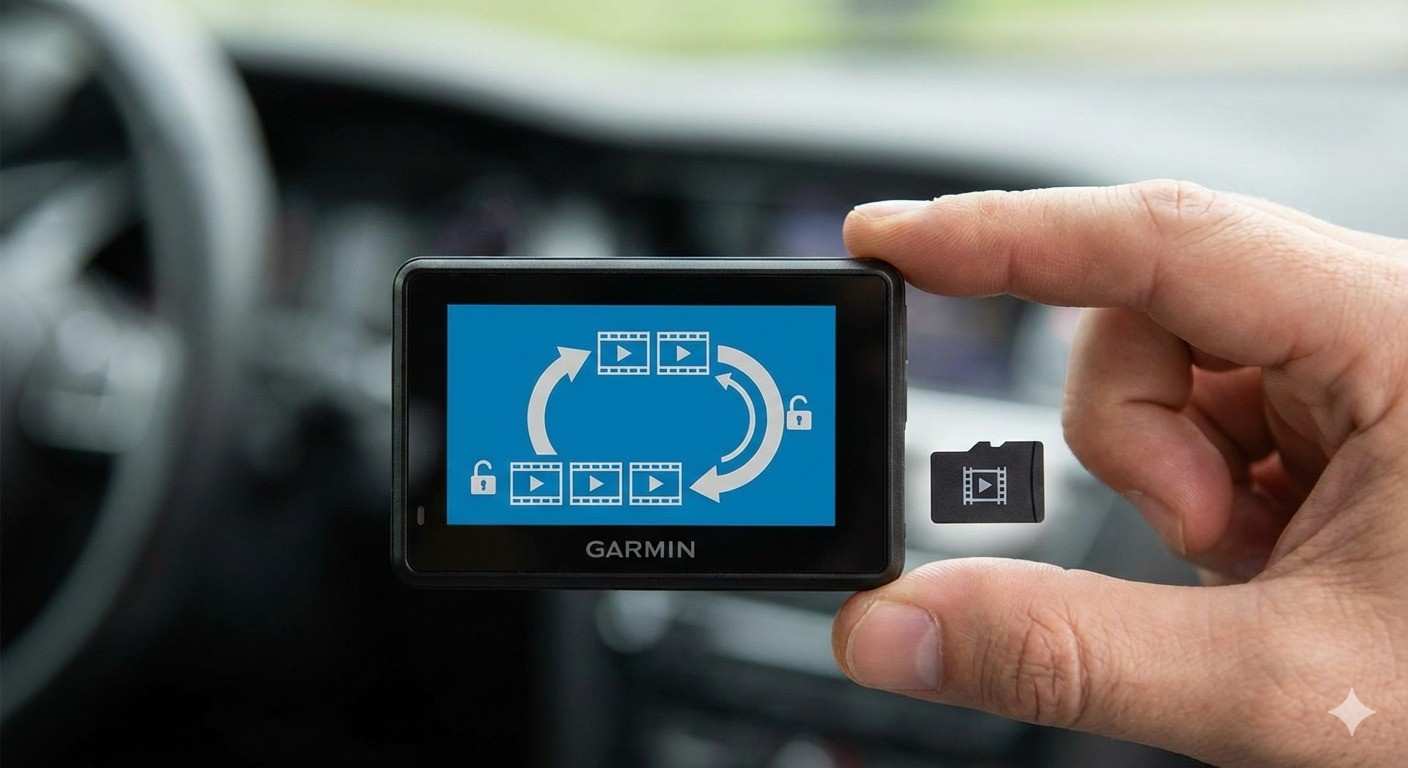
Garmin dash cams record in short clips. Most clips are one to five minutes long. Each clip saves in order on the microSD card. Think of it like stacking sticky notes in a neat line.
This setup makes files easy to manage. If one clip breaks, the rest still work. From my own use, this saved footage when one file failed after a hot summer drive.
Automatic Overwriting of Old Footage
When the card fills up, Garmin deletes the oldest clips first. Only clips that are not locked get erased. New videos take their place, like fresh pages in a notebook.
You don’t need tech skills to understand this. It’s the same idea as recording over an old tape. Important moments stay. Normal drives fade away.
What Happens When Storage Is Full?
Garmin handles storage for you. Its system decides what stays and what goes. This is smart Garmin dash cam storage management at work.
You never have to delete files by hand. Dash cam overwriting footage happens quietly in the background. That’s one reason I trust Garmin on long trips.
How Garmin Protects Important Video Clips
G-Sensor and Incident Detection
Garmin uses a built-in G-sensor. It feels sudden stops, hard hits, or sharp turns. When that happens, the clip locks itself.
I learned this the hard way. A car cut me off, and I slammed the brakes. Later, the clip was saved like gold. That Garmin dash cam G-sensor did its job without me touching a thing.
Manual Save Button and Voice Commands
You can also save clips yourself. Press a button or say, “OK Garmin, save video.” It works even when your hands shake.
In stress, simple tools matter. Event recording on Garmin dash cams gives you control when things feel chaotic. That kind of backup builds trust.
Real-Life Example: Loop Recording in Action
Picture this. I drive all day with no issues. The dash cam records, clips roll, and old files fade.
Then one moment changes everything. A close call happens, the clip locks, and nothing overwrites it. That one file stays safe while normal drives disappear. That’s loop recording doing its quiet job.
How Long Does Garmin Dash Cam Loop Recording Last?
Recording time depends on two things. Card size and video quality matter most. Higher resolution uses more space.
At 1080p, a 128GB card can hold many hours. At 4K, it holds less but still enough for daily driving. If you ask how long dash cam footage lasts, the answer is simple: bigger cards last longer.
From experience, I suggest a high-endurance card. The best SD card for Garmin dash cam use handles heat and time better.
Common Misunderstandings About Loop Recording
Many people think loop recording deletes everything. That’s not true. Locked clips stay safe.
Some think saved videos still get erased. They don’t unless you unlock them. Others believe they must clear the card often. You don’t.
I once believed these myths too. After months of use, I learned Garmin made this system for real drivers, not tech experts.
Tips to Get the Most Out of Loop Recording on Garmin Dash Cams
Use a high-endurance microSD card. Cheap cards fail fast. Heat kills them.
Check your G-sensor settings. Too high saves too much. Too low misses events. Review clips once in a while and update firmware when Garmin releases fixes. My setup stays simple, and it works.
FAQs About How Loop Recording Works on Garmin Dash Cams
Does loop recording delete accident footage on Garmin dash cams?
No. Accident clips lock and stay saved unless you delete them.
Can I turn off loop recording on a Garmin dash cam?
Loop recording is always on. It’s core to how the camera works.
How do I stop my Garmin dash cam from overwriting videos?
Save or lock important clips. Unsaved clips will overwrite.
What happens if I remove the SD card?
Recording stops. No card means no storage.
Is loop recording always on by default?
Yes. Garmin enables it out of the box.
Final Thoughts: Is Loop Recording Reliable on Garmin Dash Cams?
From daily drives to long trips, Garmin has earned my trust. Loop recording works quietly and reliably. It feels like a safety net you don’t see.
I’ve tested it in heat, traffic, and stress. It didn’t fail me. Set it up right, and you’ll drive with more calm and less worry every mile.

Jake Elston
I am Jake Elston, the founder of CarDetailFlow. I have eight years in car work. I hold a post-grad cert in Automotive Materials and Design Engineering from the University of Michigan–Dearborn. My goal is to share true, simple car help with all drivers.