
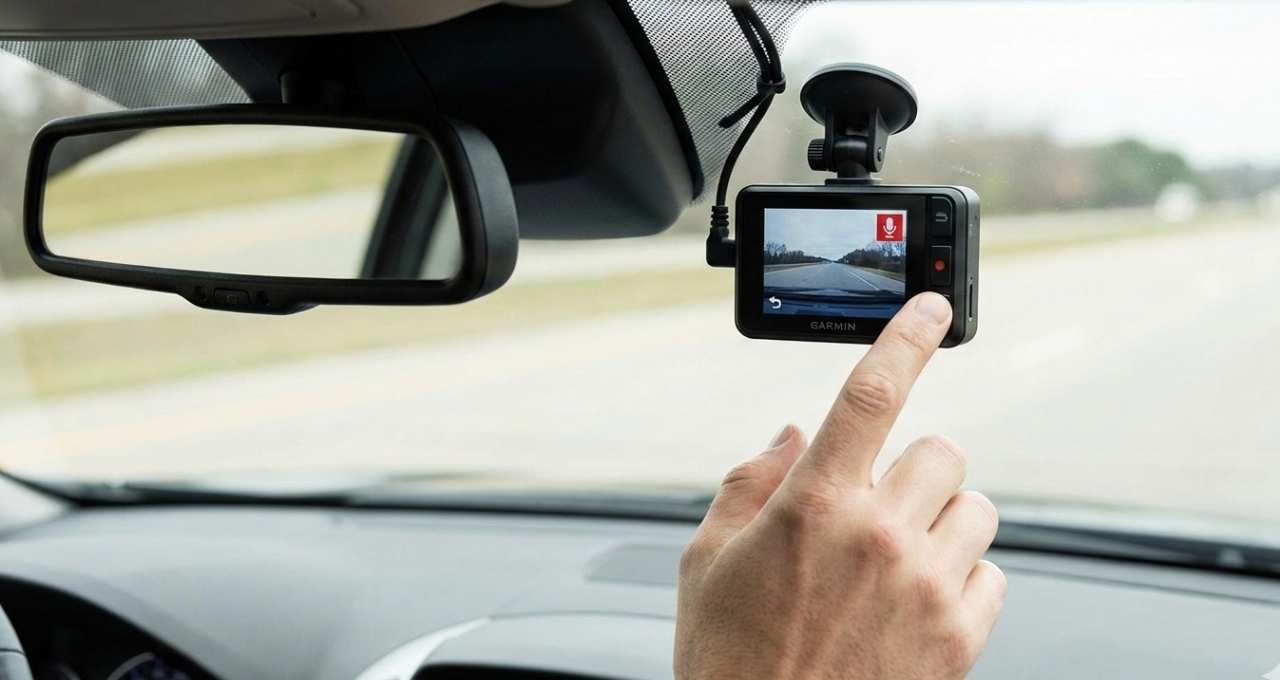
If you’re wondering does Garmin dash cam record audio, I asked the same thing when I first bought one. After a small crash near my home, I learned that audio can matter as much as video for insurance claims and disputes—it’s like hearing the full story, not just seeing a photo. I’ve used Garmin dash cams on daily drives, and one clear audio clip once felt like a quiet witness backing me up. In this article, I’ll share how Garmin dash cam audio works, what the law says in the U.S., and how to manage settings, so you can choose with confidence before you buy.
Does Garmin Dash Cam Record Audio?
Yes, most Garmin dash cams do record audio, but there’s a catch. On many models, audio recording is turned off by default, which surprises a lot of first-time users. Think of it like buying a phone with the mic muted—you have the tool, but you need to switch it on.
Garmin does this on purpose. Audio laws vary by state, so Garmin gives you control from day one. Once enabled, the Garmin dash cam microphone can add helpful context to video, especially during accidents or disputes.
Which Garmin Dash Cam Models Support Audio Recording?
Most popular models include a built-in microphone. Here are the common ones I’ve used or tested:
- Garmin Dash Cam Mini / Mini 2 – Records audio, but sound is basic due to size
- Garmin Dash Cam 47, 57, 67W – Clear Garmin dash cam audio with easy controls
- Garmin Dash Cam Tandem – Records audio inside the cabin, not outside
Smaller models can pick up more road noise. Larger ones handle voices better. It’s like comparing earbuds to headphones—both work, but one sounds fuller.
My Real-World Experience Using Garmin Dash Cam Audio
I learned the value of audio the hard way. After a minor fender bender, my video showed the hit, but the audio captured the other driver admitting fault. That clip felt like a calm friend speaking up for me.
At first, my audio was off. I didn’t notice until I checked the footage later. Once enabled, the sound was clear enough for voices, though wind noise shows up on highways. For reviews, that audio adds context video alone can’t.
How to Turn Audio Recording On or Off on a Garmin Dash Cam
Turning audio on is simple. It takes less than a minute.
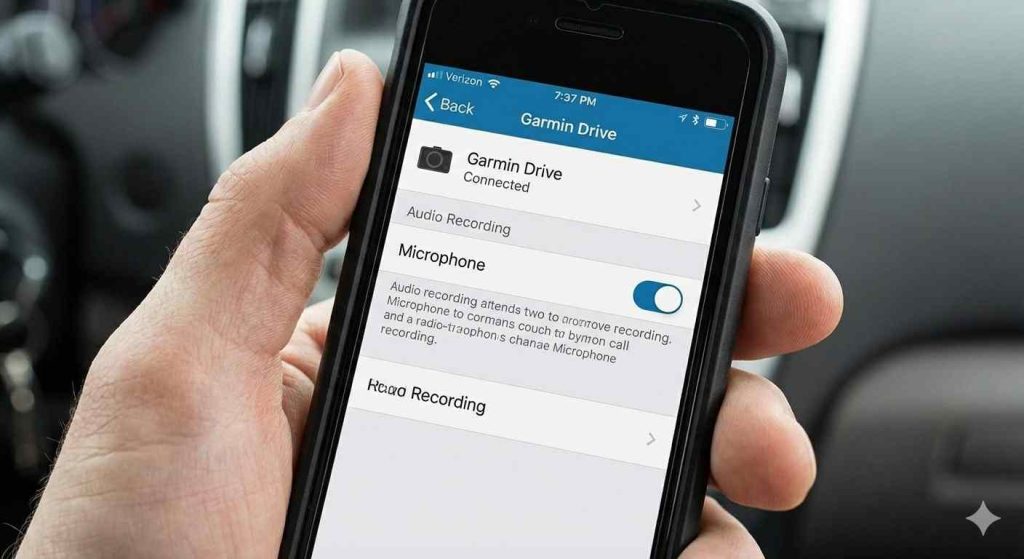
- Open the Garmin Drive app
- Connect to your dash cam
- Go to Settings
- Toggle Audio Recording or Microphone
Some models also have a physical mic mute button. If audio isn’t recording, check app permissions and reconnect the camera. A quick restart fixes most issues.
Is It Legal to Record Audio on a Dash Cam in the U.S.?
This is where things get real. The U.S. has one-party and all-party consent laws. Some states let you record if one person knows. Others need everyone’s consent.
Because laws vary, I keep audio off when passengers are in the car. If it’s on, I tell them. It’s about respect and peace of mind, not fear.
States Where Audio Recording May Be Restricted
States like California and Florida have stricter rules. This isn’t legal advice, but it’s smart to check your local law. A quick search can save a big headache later.
Pros and Cons of Audio Recording on Garmin Dash Cams
Benefits of Recording Audio
- Adds meaning to video footage
- Helps with insurance or police reports
- Captures threats or key statements
Audio turns silent video into a full story. Like subtitles for real life.
Potential Drawbacks
- Privacy concerns
- Legal risks in some states
- Extra road and wind noise
If you drive loud trucks or crack the windows, noise can creep in.
Should You Enable Audio Recording on Your Garmin Dash Cam?
Audio helps most during crashes or disputes. For daily driving, you may not need it. I turn it on for solo drives and long trips.
Best practice is simple:
- Enable it when useful
- Review local laws
- Test settings once a month
That habit keeps surprises away.
Frequently Asked Questions (FAQs)
Does Garmin dash cam record audio by default?
No. Audio is usually off by default and must be enabled in settings.
Can Garmin dash cam audio be used in court?
Sometimes. It depends on state law and consent rules.
How do I know if my Garmin dash cam microphone is on?
Check the Garmin Drive app or look for the mic icon on screen.
Can I delete audio but keep the video?
Yes, on many models. You can mute clips or remove audio later.
Final Thoughts – Is Garmin Dash Cam Audio Recording Worth It?
For me, yes—with care. Garmin dash cam audio has helped me feel protected, like having a quiet witness in the car. Still, laws and privacy matter.
If you know your state rules and use the settings wisely, audio can be a powerful tool. Choose what fits your driving style and comfort level.

Jake Elston
I am Jake Elston, the founder of CarDetailFlow. I have eight years in car work. I hold a post-grad cert in Automotive Materials and Design Engineering from the University of Michigan–Dearborn. My goal is to share true, simple car help with all drivers.