
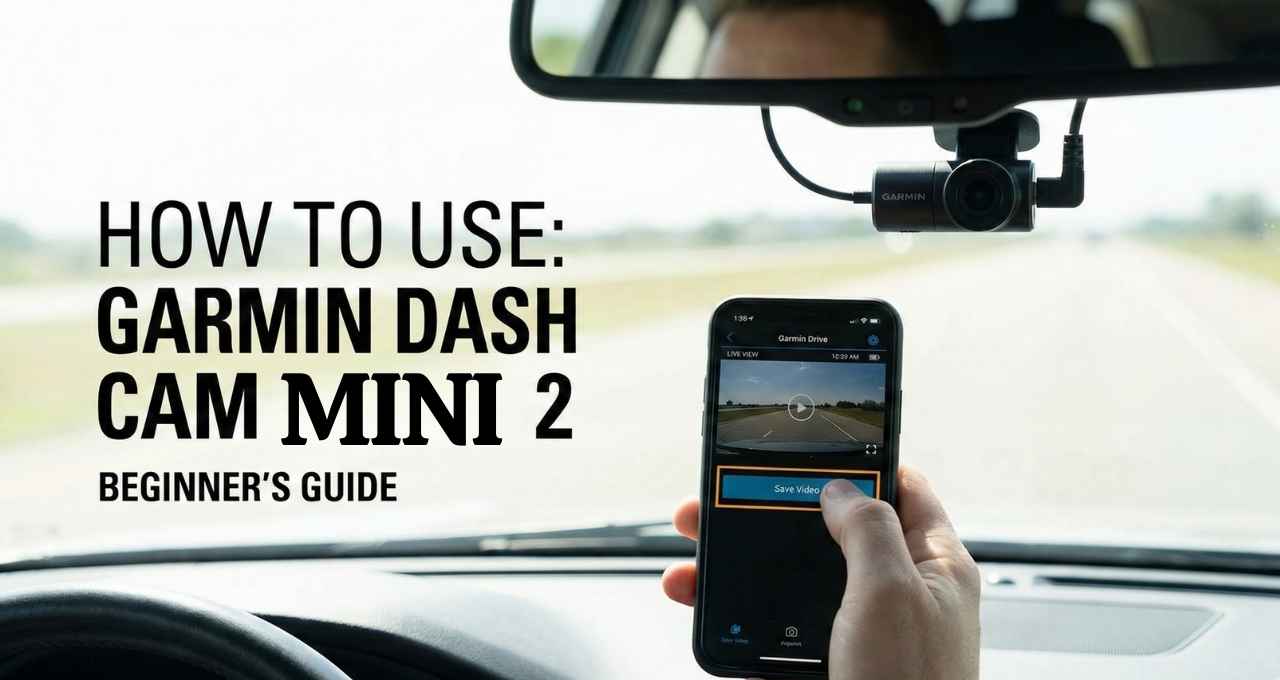
My friend recently pointed at my windshield and laughed, “Is that really a camera? It’s the size of a key fob!” It is tiny, but learning how to use Garmin Dash Cam Mini 2 offers huge peace of mind. Think of this gadget as a silent guardian that watches the road so you don’t have to worry. I have tested this little device on busy city streets for months, and it truly is a game-changer. I will walk you through the easy setup steps I use to keep my car safe. Ready to get started? Let’s dive in.
Why I Chose the Garmin Dash Cam Mini 2 (And Who It’s Best For)
I didn’t want a bulky gadget blocking my view. I wanted something invisible. That is why I picked this compact dash cam. It hides perfectly behind my rearview mirror. A friend of mine, Sarah, saw it and said, “I didn’t even know you had a camera!” That is exactly the point.
This small dash camera for cars is perfect for daily commuters like me. If you drive for Uber or Lyft, it is a must-have for safety. Road trippers will love it too because it just works. However, if you need a screen to watch videos instantly, this might not be for you.
What Comes in the Box (Quick Overview)
Opening the box felt like opening a jewelry case. The camera is tiny! Here is what you get inside:
- Garmin Dash Cam Mini 2
- Low-profile magnetic mount
- Vehicle power cables (short and long)
- Dual USB power adapter
- Documentation
I was shocked by the build quality. It feels solid, not like cheap plastic. It is roughly the size of a car key fob. It is small but mighty.
How to Install Garmin Dash Cam Mini 2 (Step-by-Step)
Choosing the Best Mounting Location
The best spot is right behind your rearview mirror. This keeps it out of your sight while driving. You want a clear view of the road, not the sky. Check your local laws, too. Some states in the USA have strict rules about windshield mounts.
Mounting the Dash Cam Securely
The Garmin dash cam installation is simple. Clean the glass first. Peel the sticker off the magnetic mount and press it firmly. Hold it for a few seconds. Then, snap the camera onto the magnet. It holds on tight, even on bumpy roads.
Powering the Dash Cam
Now comes the tricky part: the wires. You have two cables in the box. I use the long one. I tuck it into the headliner and down the side pillar. It keeps my car looking neat. Plug the other end into the USB charger. If you want it to run 24/7, you need a different cable for constant power. For most of us, the standard plug works fine.
How to Set Up Garmin Dash Cam Mini 2 Using the Garmin Drive App
Downloading and Pairing the App
You cannot use this camera without the app. Download the Garmin Drive app on your phone. Turn on your car to power the camera. Open the app and follow the prompts. It uses Bluetooth to find the device. My phone found it in seconds.
App Permissions Explained
The app will ask for permission to access photos and location. Say yes. It needs location to tag where videos happen. It needs storage access to save clips to your phone. These steps are vital to connect Garmin dash cam to phone successfully.
Understanding How Recording Works (What It Does Automatically)
You do not need to press record. The camera starts when your car starts. It is like a trusty co-pilot. It uses “loop recording.” Imagine a tape that never ends. When the card is full, it records over the oldest video. You never run out of space for new clips.
I once panicked, thinking I forgot to hit a button. I checked the app, and there it was. It captures everything automatically.
How to Save, View, and Download Videos
Saving Important Clips
If you see something crazy, press the button on the back. This saves the clip so it won’t get deleted. You can also use your voice. It is the easiest way on how to save dash cam footage.
Viewing Footage on Your Phone
To watch videos, open the Drive app. It connects via Wi-Fi to the camera. It might take a moment to load. The quality is sharp. You can see license plates clearly in daylight.
Downloading and Sharing Clips
Need to show a video to the police? You can do a Garmin dash cam video download right to your phone’s camera roll. From there, text or email it easily. It is great for insurance claims.
Using Voice Control on Garmin Dash Cam Mini 2
I love this feature. You can keep your hands on the wheel. Just say, “OK Garmin.” Then give a command like:
- “Save video”
- “Take a picture”
- “Record audio”
Last month, a deer jumped out in front of me. I braked hard and yelled, “OK Garmin, save video!” It worked perfectly. It captured the moment without me fumbling for a button.
Dash Cam Mini 2 Settings I Recommend (Based on Daily Use)
Here is how I set mine up for the best results:
- Resolution: Set to 1080p. It saves space but looks great.
- Audio Recording: I keep this ON. It records horns and voices.
- Data Overlay: Turn this ON. It puts speed and time on the video.
Pro Tip: Format your memory card once a month. It keeps the camera running smoothly.
Parking Mode Explained (What It Can and Can’t Do)
Parking mode watches your car while you shop. But there is a catch. You need a special “hardwire kit.” It does not work with the regular cigarette lighter plug. If you park on busy streets often, buy the extra cable. It wakes up and records if someone bumps your bumper.
Common Problems and How I Fixed Them
Even the best gadgets have glitches. Here is what I found:
- App won’t connect: I turn off my phone’s Bluetooth and turn it back on. That usually fixes it.
- Video not saving: Check your SD card. If it is old, buy a new high-speed card.
- Camera gets hot: This is normal. It is working hard in the sun. Don’t worry unless it shuts off.
Garmin Dash Cam Mini 2 Pros and Cons (Honest Opinion)
Pros:
- So small it is almost invisible.
- Video quality is excellent for the size.
- Voice commands are a lifesaver.
Cons:
- No screen to check the view instantly.
- You rely heavily on the phone app.
- The camera can run warm.
Is the Garmin Dash Cam Mini 2 Worth It? (My Final Verdict)
If you want a best small dash cam that you can set and forget, buy this. It is reliable and discreet. It is perfect for drivers who want protection without clutter. If you need a screen, look elsewhere. But for me, the Mini 2 is the clear winner.
FAQs – How to Use Garmin Dash Cam Mini 2
Does Garmin Dash Cam Mini 2 record all the time?
It records whenever the car is on. It stops when you turn the car off, unless you have the parking cable.
How long does the Garmin Dash Cam Mini 2 store videos?
It depends on your card size. A 64GB card holds quite a few hours. Once full, it deletes the oldest clips.
Can I use Garmin Dash Cam Mini 2 without the app?
Yes, it will still record. But you need the app to update settings and view videos.
Does Garmin Dash Cam Mini 2 record audio?
Yes, it does. You can turn this off in the settings or by voice command.
Is Garmin Dash Cam Mini 2 legal in the USA?
Yes, dash cams are legal. Just make sure you mount it where it does not block your view of the road.

Jake Elston
I am Jake Elston, the founder of CarDetailFlow. I have eight years in car work. I hold a post-grad cert in Automotive Materials and Design Engineering from the University of Michigan–Dearborn. My goal is to share true, simple car help with all drivers.