
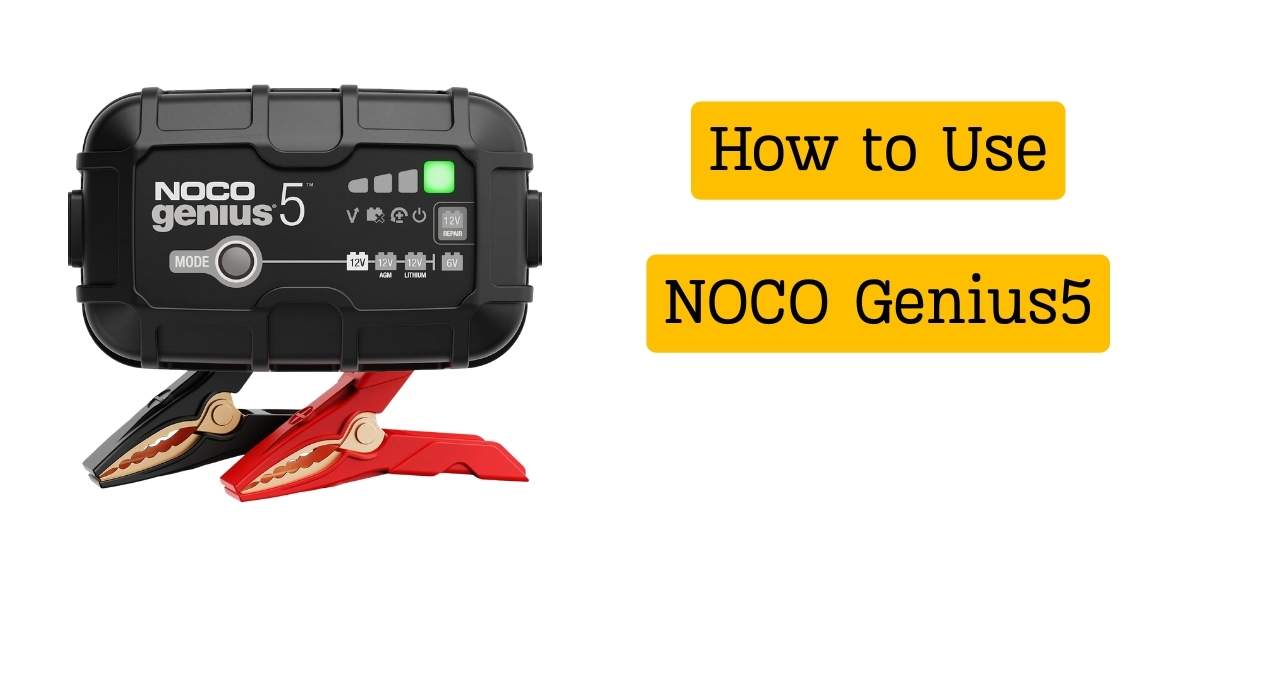
A dead battery on a cold morning pushed me to learn how to use NOCO Genius5, and I felt stressed right away. I had used cheap chargers before, but they felt like guessing in the dark. The NOCO Genius5 charger felt different, like a calm guide that knows what to do, and a friend once told me it was “set it and forget it.” After real use, small mistakes, and a few wins, I learned what truly works. Keep reading, and I’ll show you the simple steps, real errors to avoid, and easy tips that make this smart battery charger feel safe and reliable.
What Is the NOCO Genius5 and What Can It Do?
The NOCO Genius5 is a small but smart battery charger. I think of it like cruise control for your battery. You plug it in, choose a mode, and it does the rest. A friend once told me it feels more like a helper than a tool, and I agree.
This NOCO Genius5 charger works well for cars, bikes, boats, and even lawn tools. I’ve used it on my car and a motorcycle with no stress. It acts as a smart battery charger and an automatic battery maintainer at the same time. That means it can charge, protect, and maintain without guessing.
It supports many battery types, which is a big win. You can use it on 6V and 12V batteries. It works with lead-acid batteries like AGM, flooded, and gel. It also supports lithium batteries, including LiFePO4, which gave me peace of mind when I upgraded.
What You Need Before Using the NOCO Genius5
Before you start, keep things simple. You need the charger, the clamps, or the eyelet connectors. I like the eyelets for long use because they feel steady. Make sure you have a good wall outlet nearby.
You also need access to the battery. Sometimes it stays in the car. Other times I remove it. Both ways work fine, as long as you can reach the terminals.
One safety tip I learned the hard way is to slow down. Check the cables. Check the outlet. A calm start avoids small mistakes that waste time later.
How to Use NOCO Genius5 (Step-by-Step From Real Use)
Step 1 – Identify Your Battery Type
This step matters more than it seems. I once picked the wrong mode and wondered why nothing happened. The charger was fine. I was the problem. Look at your battery label first.
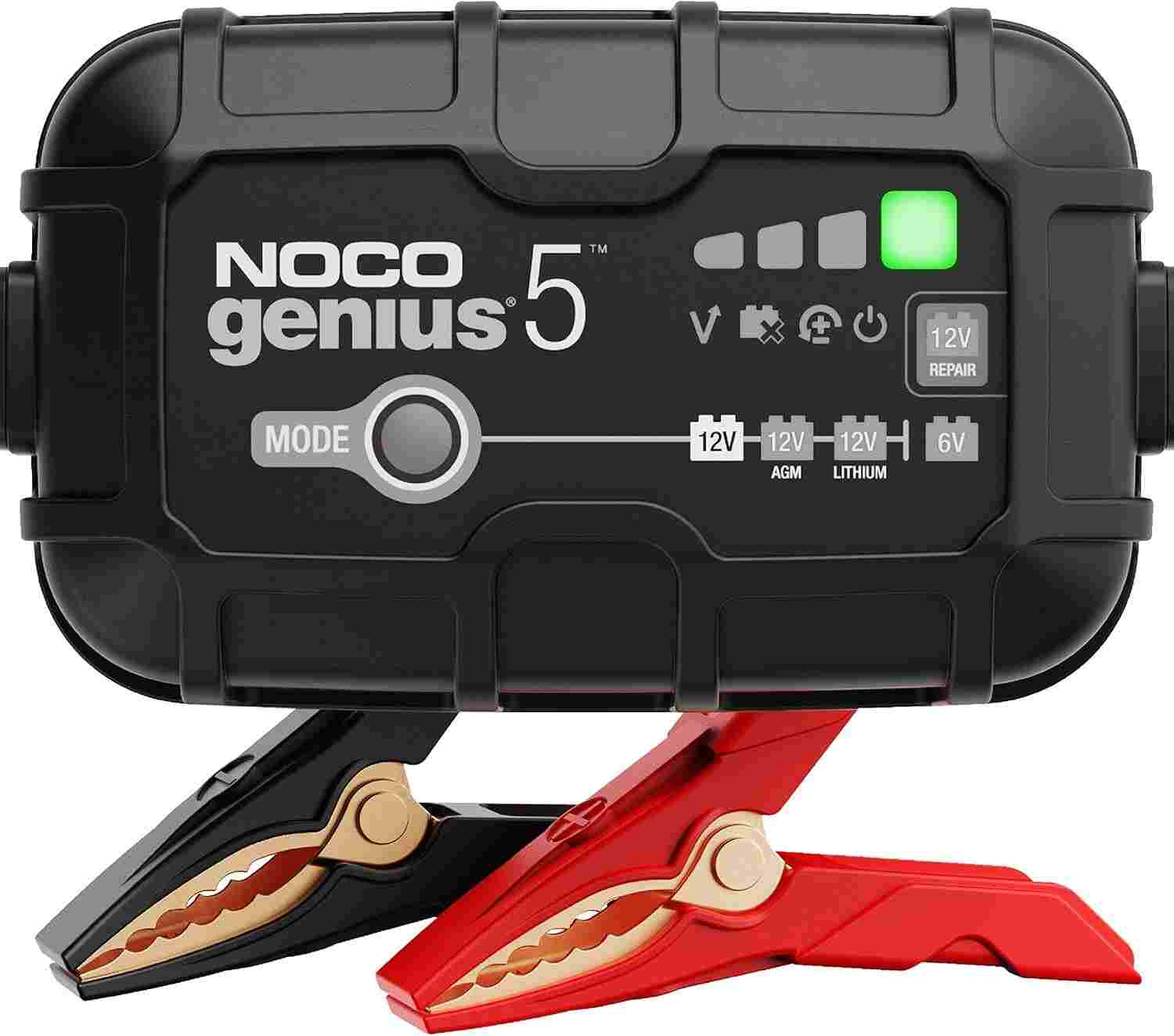
The charger has clear icons and lights. They guide you like road signs. Once you match the battery type, everything feels smoother.
Step 2 – Connect the Charger Correctly
Always connect red to positive and black to negative. If the battery is in the car, the black clamp can go to a ground point. I take a breath here and double-check. That habit saved me many times.
For a removed battery, both clamps go straight to the posts. It feels simple, and it is. Just be slow and steady.
Step 3 – Plug In the Charger
Now plug the charger into the wall. You should see lights come on. The first time, I thought it was slow, but that pause is normal. The charger is checking the battery.
Do not rush or unplug it right away. Think of it like a doctor doing a quick check before treatment. That short wait is a good sign.
Step 4 – Select the Correct Charging Mode
Press the mode button until you see the right setting. You can choose 12V standard, 12V AGM, 12V lithium, or 6V mode. I stick close and watch the light to confirm.
This part feels like choosing the right key for a lock. When it matches, the charger just works. No noise. No drama.
Step 5 – Let the Genius5 Do Its Job
Once set, leave it alone. The charger moves through stages on its own. It charges, then switches to care mode. That surprised me the first time.
Charging time depends on the battery size and condition. Some take hours. Some take less. Either way, the process feels calm and controlled, like a steady heartbeat keeping your battery alive.

Understanding NOCO Genius5 Lights and Indicators
The lights confused me at first. I stared at them like a dashboard with too many icons. Solid lights mean the charger is working as planned. Blinking lights usually mean it is checking, waiting, or protecting the battery.
When I saw a blinking light, I thought something was wrong. It wasn’t. The charger was thinking. A mechanic friend once said, “If it’s blinking, it’s alive,” and that helped me relax.
Error lights are rare, but they matter. They often point to a loose clamp or the wrong mode. Once I fixed the connection, the light went solid, like a green light at a stop sign.
How Long Does the NOCO Genius5 Take to Charge a Battery?
The NOCO Genius5 charging time depends on the battery. My car battery took several hours after sitting for weeks. My motorcycle battery charged much faster, almost like filling a small cup instead of a bucket.
A deep-cycle battery takes longer. Size and condition both matter. A weak battery needs more time to wake up and recover.
Think of it like cooking rice. Fresh rice cooks fast. Old rice takes patience. This battery charger how long to charge question has no single answer, but the charger stays steady the whole time.
Can You Leave the NOCO Genius5 Connected All the Time?
Yes, you can leave it connected. That was a big relief for me. The charger switches into maintenance mode once the battery is full. It stops charging and just watches.
I use it during long storage. Winter months are the best example. My battery stays ready, like a phone on low-power mode.
This trickle-style care feels gentle. It keeps the battery healthy without stress. That’s why many people use it as a battery maintainer for storage.
Common Mistakes to Avoid When Using NOCO Genius5
The biggest mistake I made was choosing the wrong mode. The charger didn’t fail. I did. Always match the mode to the battery.
Loose clamps are another common issue. A weak grip can stop charging. I now tug the clamps lightly to be sure they are set.
Trying to charge a fully dead battery without repair mode can waste time. Also, never use a damaged extension cord. Small mistakes add up, but once you spot them, using the charger feels smooth and stress-free.
When and How to Use NOCO Genius5 Repair Mode
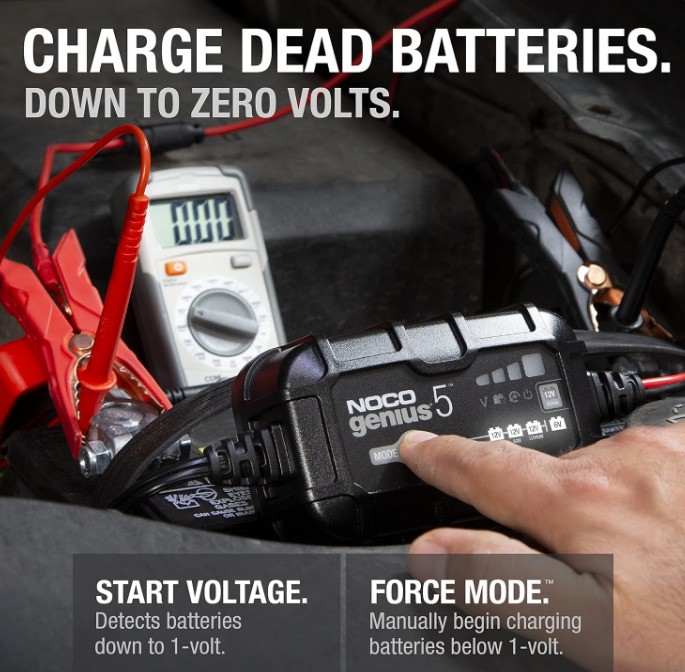
Repair mode is for weak batteries, not dead ones. I see it as a gentle wake-up call. It sends slow pulses to help break buildup inside the battery. It feels like stretching stiff muscles after a long nap.
I used repair mode on an old car battery that sat all winter. It did not work fast, but it worked. After a full cycle, the battery held charge again, and a friend said, “That thing saved me a trip to the store.”
Still, repair mode has limits. It cannot fix a battery that is cracked or fully worn out. If the battery will not respond at all, it is time to replace it.
Safety Tips From Real-World Experience
Always use the charger in a space with fresh air. I keep a window open or work in the garage with the door up. Batteries need room to breathe, and so do you.
To avoid sparks, connect the clamps before plugging in the charger. I learned this early and never skip it now. That small habit builds calm and trust.
Lithium batteries need extra care. Use the right mode and never rush the setup. One thing the manual skips is this: slow hands prevent fast mistakes.
NOCO Genius5 vs Other Chargers (Quick Context)
I tried cheaper chargers before, and they felt loud and unsure. The Genius5 feels calm and steady. That makes it great for beginners who want clear steps and less stress.
Some people need more power. Big trucks or large batteries may need a higher-amp charger. For most cars and bikes, the Genius5 hits the sweet spot.
If you want details, compare it with the NOCO Genius1 vs Genius5 or check my guide on NOCO Genius5 Not Working. Those helped me decide what fits best.
Frequently Asked Questions
How do I use NOCO Genius5 for the first time?
Connect the clamps to the battery. Plug it into the wall. Choose the right mode. Then let it work on its own.
Can NOCO Genius5 charge a completely dead battery?
Sometimes yes, sometimes no. Repair mode may help, but very old batteries may not recover.
Is NOCO Genius5 safe for lithium batteries?
Yes, if you select the lithium mode. Always double-check before you start.
Does NOCO Genius5 automatically stop charging?
Yes. It stops when the battery is full and switches to maintenance mode.
Can I use NOCO Genius5 on a motorcycle battery?
Yes. I use it on mine often, and it works smoothly.
Final Thoughts: Is the NOCO Genius5 Easy to Use?
Yes, it is easy once you slow down and follow the steps. The charger feels more like a partner than a machine. That trust matters.
I recommend it for car owners, riders, and anyone who stores a vehicle. It shines as a smart charger and a battery maintainer.
My biggest takeaway is this: calm tools create calm habits. And calm habits keep batteries alive longer.

Evan Mitchel
Evan Mitchell has six years of auto shop work. He has a degree in Automotive Technology. He trains with real tools and real cars and knows how to fix many car parts.